
Home / News / Google URL Ranking Secrets: Hyphens, Underscores & Emojis Explained
Google URL Ranking Secrets: Hyphens, Underscores & Emojis Explained
Google’s new video on URL handling explains how the search engine treats keywords, hyphens, underscores and even emojis. The signal from keywords is tiny, but a clean, well‑structured URL keeps you out of Google’s spam filters and improves AI‑driven discovery.
Key Highlights
- ✓Google treats URL keywords as a tiny ranking factor.
- ✓Hyphens are preferred over underscores for word separation.
- ✓Emojis are allowed but render as Punycode and can confuse users.
- ✓Google’s spam detection can penalize keyword‑stuffed URLs.
Summary: Google’s latest video on URL handling reveals how the search giant treats keywords, hyphens, underscores, and even emojis in web addresses. The takeaway: URL signals are tiny, but proper formatting can keep your site out of Google’s spam radar and improve AI‑driven discovery.
Content:
What Happened
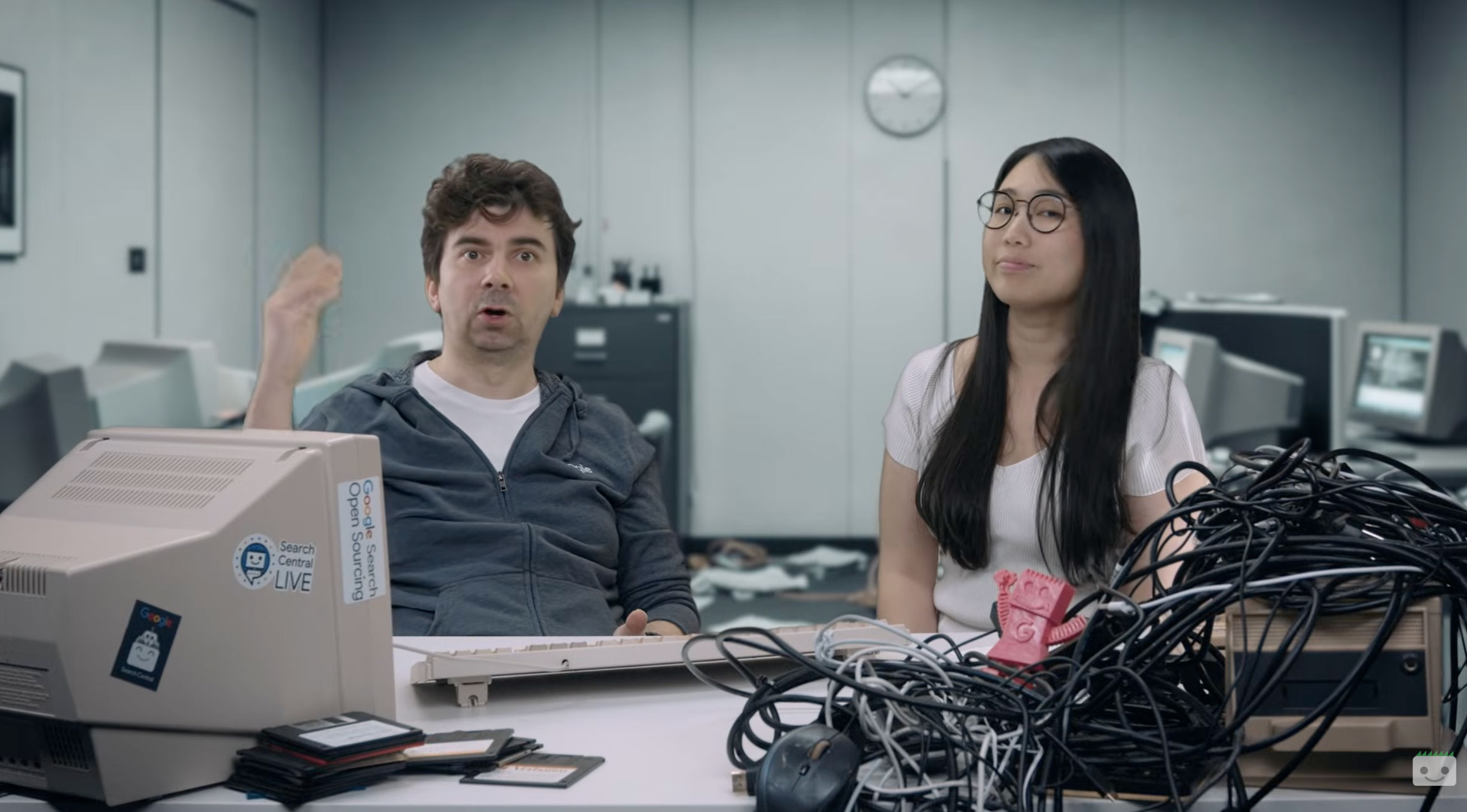
On October 14, 2026, Google added another episode to its Non‑Canonical Cabinet series. In the presentation, Gary Illyes and Cherry Prommawin walked through the way Google Search parses URLs—from the characters allowed in a domain name to the effect of hyphens, underscores, and emojis in the path. Much of the advice mirrors long‑standing best practices, but the duo supplied fresh technical nuance and warned clearly about URL‑based spam detection.
Key Details
- Keywords in a URL are a very small ranking signal – Illyes described them as “incredibly small,” meaning they won’t move the needle on their own.
- Hyphens win over underscores – Google prefers hyphens (
-) to separate words because underscores (_) are treated as a single token. - Emojis are technically allowed – Internationalized domain names (IDNs) can include emojis, but browsers display them as Punycode (
xn--…) and they may confuse users. - Spam detection is robust – Google can flag URLs that cram keywords, repeat phrases, or employ deceptive tricks, potentially triggering a manual action.
- Internationalized domains are safe – Punycode prefixes (
xn--) are normal and not a typo; they simply represent non‑ASCII characters.
What It Means For Your Business
Local and small‑business owners need to pay attention because AI‑driven tools such as ChatGPT, Perplexity, Gemini, and Google AI Overviews pull data straight from Google’s index. If a URL looks spammy or is hard for a human—or an AI—to read, those tools may downgrade or ignore the content.
- Clarity beats keyword stuffing – A clean URL that mirrors the page’s topic helps AI summarizers surface the right information.
- User‑friendly paths improve click‑through – A visitor is more likely to click
yourbusiness.com/vegan‑pizza‑menuthanyourbusiness.com/vegan_pizza_menubecause the hyphenated version reads naturally. - Avoid emoji overload – While a single emoji can add personality, overusing them or relying on Punycode can appear gimmicky and may be filtered out by AI citation engines.
- Stay out of the spam trap – Repeating the same keyword dozens of times in a URL (e.g.,
best‑grilled‑chicken‑cheap‑delicious‑amaze‑amaze‑amaze) signals manipulation and can hurt rankings.
Actionable Tips for VisibilityAI Clients
1. Use hyphens to separate words – example.com/organic‑coffee‑beans is ideal.
2. Keep URLs short and descriptive – Aim for 3‑5 words that mirror the page title.
3. Limit special characters – Stick to letters, numbers, and hyphens. Underscores, spaces, and excessive punctuation should be avoided.
4. Reserve emojis for branding, not SEO – If you choose an emoji domain, pair it with a clear, hyphenated path.
5. Monitor Google Search Console – Look for URL‑related crawl errors or manual actions that mention “spammy URLs.”
Bottom Line
Google’s stance on URLs hasn’t shifted dramatically, but the emphasis on spam detection and AI‑ready readability is louder than ever. By simplifying your URL structure, using hyphens, and treating emojis as a branding flourish rather than an SEO crutch, you give AI tools a clean signal to cite your business.
Bottom line for VisibilityAI users: A well‑crafted URL is a silent ambassador that helps your local business appear in both traditional SERPs and the next generation of AI‑driven search experiences.
Why It Matters:
In the age of generative AI, search results are no longer just a list of links – they are the raw material for AI assistants that answer questions, generate summaries, and even draft marketing copy. When an AI tool pulls information from Google’s index, the clarity of a URL becomes part of the signal that determines whether your business is quoted or ignored. A clean, hyphenated URL reads like natural language, making it easier for AI models to understand context and surface your content in relevant answers.
For local businesses trying to get discovered, this means that a well‑structured URL can be the difference between appearing in a ChatGPT citation for “best pizza near me” and being left out entirely. Moreover, Google’s heightened focus on spam detection means that over‑optimized or gimmicky URLs could trigger penalties that not only affect traditional rankings but also diminish AI‑driven visibility. By aligning URL best practices with Google’s guidance, you safeguard your brand against both manual actions and the opaque ranking algorithms that power AI search overlays.
FAQs:
[{"question":"Do keywords in a domain name still help rankings?","answer":"They provide a very small signal, but they won’t move you to the top on their own. Focus on content quality and user experience instead."},{"question":"Should I use underscores in my URLs?","answer":"No. Google treats underscores as part of a single word, which can make the URL harder to read for both users and AI tools. Use hyphens instead."},{"question":"Are emoji domains safe for SEO?","answer":"Emojis are technically allowed, but they appear as Punycode in the address bar and can look confusing. Use them sparingly and pair them with clear, hyphenated paths."}]
Why This Matters For Your Business
Generative AI tools now turn search results into conversational answers, summaries, and even marketing copy. Because these models rely on the same index Google provides, a clear, human‑readable URL helps the AI understand the page’s topic and increases the chance of being cited. Conversely, URLs that look spammy or are packed with keywords can be filtered out, reducing both traditional rankings and AI‑driven visibility. For small businesses, the practical impact is tangible: a well‑structured URL can be the deciding factor between appearing in a ChatGPT response for a local query and being omitted entirely. Aligning URL practices with Google’s guidance therefore protects against manual spam actions and maximizes exposure across both classic SERPs and emerging AI search experiences.
Frequently Asked Questions
Do keywords in a domain name still help rankings?
They provide a very small signal, but they won’t move you to the top on their own. Focus on content quality and user experience instead.
Should I use underscores in my URLs?
No. Google treats underscores as part of a single word, which can make the URL harder to read for both users and AI tools. Use hyphens instead.
Are emoji domains safe for SEO?
Emojis are technically allowed, but they appear as Punycode in the address bar and can look confusing. Use them sparingly and pair them with clear, hyphenated paths.
Is your business showing up in AI search?
Get your free AI visibility audit - see if ChatGPT, Perplexity, and Google AI actually recommend you.