
Home / News / Google Adds TLD Override Notice to Search Generative AI Controls
Google Adds TLD Override Notice to Search Generative AI Controls
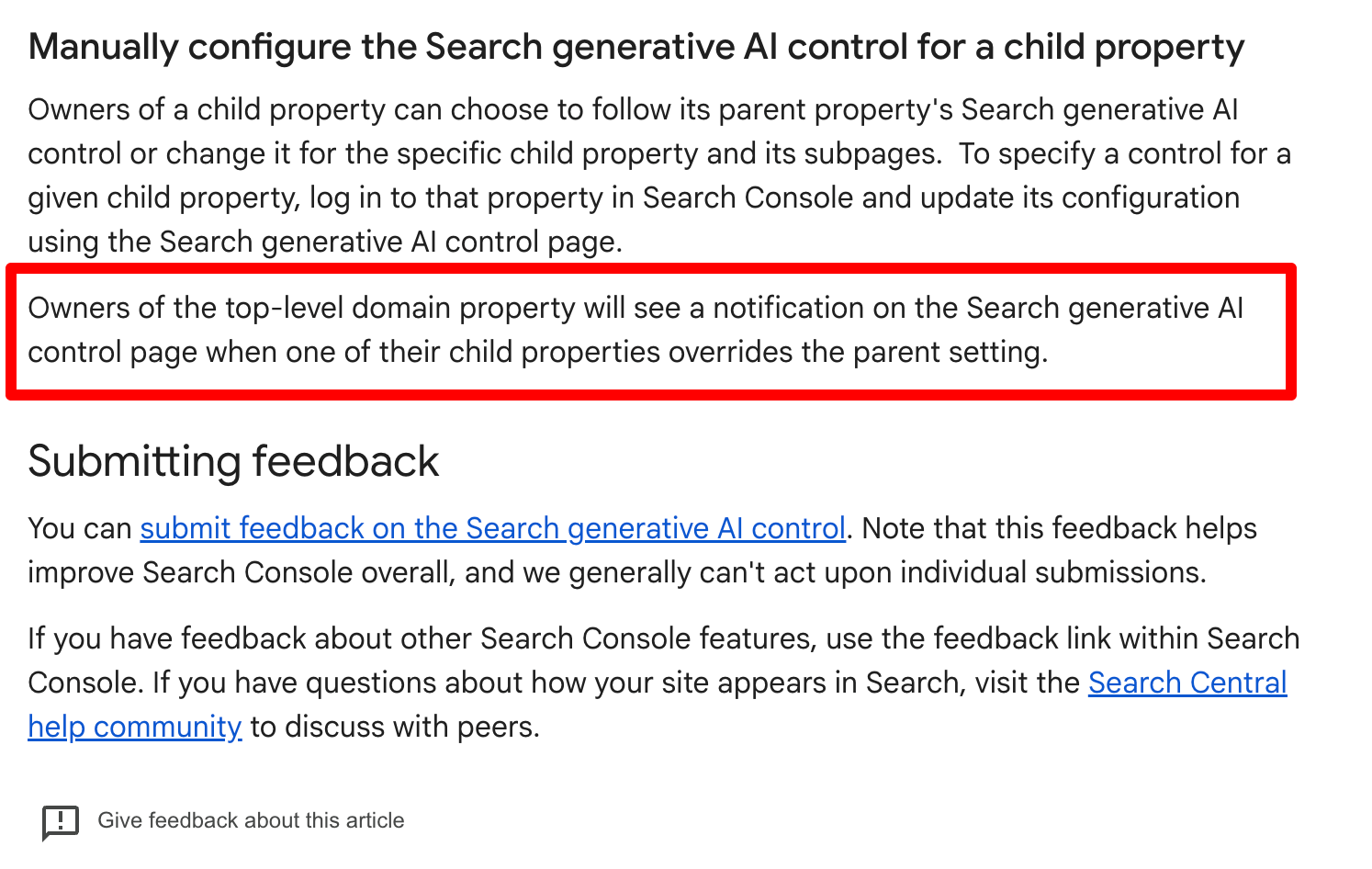
Google has added a top‑level‑domain notification to the Search Generative AI controls in Search Console. The banner warns when a child property’s AI setting differs from its parent, helping local businesses keep AI snippet visibility consistent across locations.
Key Highlights
- ✓New notification flags TLD overrides
- ✓Ensures consistent AI snippet visibility
- ✓Helps avoid accidental suppression
- ✓Provides clear audit steps
Google’s latest Search Console update now flags when a child domain overrides the parent setting for generative‑AI controls. This helps local businesses maintain consistent AI snippet visibility across all locations.
Local owners can quickly spot mismatches and adjust settings, ensuring their citations remain discoverable by AI assistants like ChatGPT and Gemini.
What Happened
In early October, Google added a top‑level‑domain notification to the Search Generative AI controls page in Search Console. The banner appears whenever a child property—such as a sub‑domain or sub‑folder—uses a different AI‑snippet setting than its parent domain. This visual cue helps site owners see at a glance where settings diverge.
The change follows the global rollout of generative‑AI controls, which let webmasters decide whether AI‑generated snippets may be shown for their pages. By surfacing TLD overrides, Google reduces the risk of unintentionally exposing or suppressing content across a network of properties.
Key Details
- Where it shows up – The notification lives on the “Search generative AI controls” tab under the “Property settings” section of Search Console.
- What it indicates – If a child property (e.g., blog.example.com or example.com/blog) has a setting that differs from the parent (example.com), the parent property displays a warning banner.
- Why it matters – Many local businesses organize locations or service lines on separate sub‑domains. A mismatch could cause one location’s AI snippet to appear while another’s stays hidden, leading to uneven brand messaging.
- How to resolve – Align the child property’s setting with the parent, or use the “inherit” option so the child automatically follows the parent’s choice.
- Documentation – Google’s help article (support.google.com/webmasters/answer/16908024) now includes a section on TLD overrides.
What It Means For Your Business
Consistent AI Visibility Across Locations
If you operate a chain of cafés, each outlet may be represented by its own child property. The new banner lets you spot, in seconds, when one location’s snippet is blocked while another’s is live. Consistent visibility reinforces brand trust and ensures AI tools like ChatGPT retrieve the same information for every site.
Improved Control Over Citations
VisibilityAI assists local businesses in getting cited by AI assistants. The generative‑AI controls determine whether those assistants can pull your business details into their answers. An unexpected child‑property override could silently prevent a branch from being cited, reducing discoverability.
Avoid Unintended Suppression
Some owners block AI snippets to protect sensitive data. The TLD notification alerts you if a child property unintentionally overrides that block, potentially exposing confidential information.
Actionable Checklist
- Audit every child property in Search Console.
- Review the AI control status for each one.
- Align settings manually or enable inheritance.
- Confirm the result using the AI snippet preview in Google Search.
Staying on top of these controls protects your local presence in an AI‑first search landscape and keeps citations flowing to chat‑based assistants.
Why It Matters
Local businesses depend on AI assistants—ChatGPT, Gemini, and Google AI—to surface their information in answers, directions, and product recommendations. When a sub‑domain or sub‑folder uses a different AI‑control setting than the main site, AI tools may display a snippet for one location but not another, creating mixed brand messaging and missed opportunities.
Generative‑AI controls also dictate whether your business details can be pulled into AI responses. A misaligned setting can silently block citations, meaning potential customers won’t see your phone number or hours in AI‑generated answers. The new TLD notification lets owners quickly audit and align settings, ensuring every location is equally discoverable in the emerging AI‑first search ecosystem.
FAQs
- What is a child property in Search Console?
A child property is a sub‑domain or sub‑folder that has its own entry in Search Console—for example, blog.example.com is a child of example.com.
- How do I change the AI control setting for a child property?
Open the child property’s Search Generative AI control page in Search Console and select the desired option—allow, block, or inherit.
- Will this affect my site’s organic rankings?
The AI controls only influence the visibility of AI‑generated snippets; they do not affect standard organic rankings or crawl behavior.
Why This Matters For Your Business
Local businesses rely on AI assistants—ChatGPT, Gemini, and Google AI—to surface their information in answers, directions, and product recommendations. If a sub‑domain or sub‑folder has a different AI‑control setting than the main site, AI tools may display a snippet for one location but not another, leading to mixed brand messaging and lost opportunities. Generative‑AI controls also determine whether your business details can be pulled into AI responses. A misaligned setting can silently block citations, meaning potential customers won’t see your phone number or hours in AI‑generated answers. By using the new TLD notification, owners can quickly audit and align settings, ensuring every location is equally discoverable in the emerging AI‑first search ecosystem.
Frequently Asked Questions
What is a child property in Search Console?
A child property is a sub‑domain or sub‑folder that has its own entry in Search Console—for example, blog.example.com is a child of example.com.
How do I change the AI control setting for a child property?
Open the child property’s Search Generative AI control page in Search Console and select the desired option—allow, block, or inherit.
Will this affect my site’s organic rankings?
The AI controls only influence the visibility of AI‑generated snippets; they do not affect standard organic rankings or crawl behavior.
Is your business showing up in AI search?
Get your free AI visibility audit - see if ChatGPT, Perplexity, and Google AI actually recommend you.