
Home / News / Google Adds TLD Alerts to Generative AI Control Page
Google Adds TLD Alerts to Generative AI Control Page
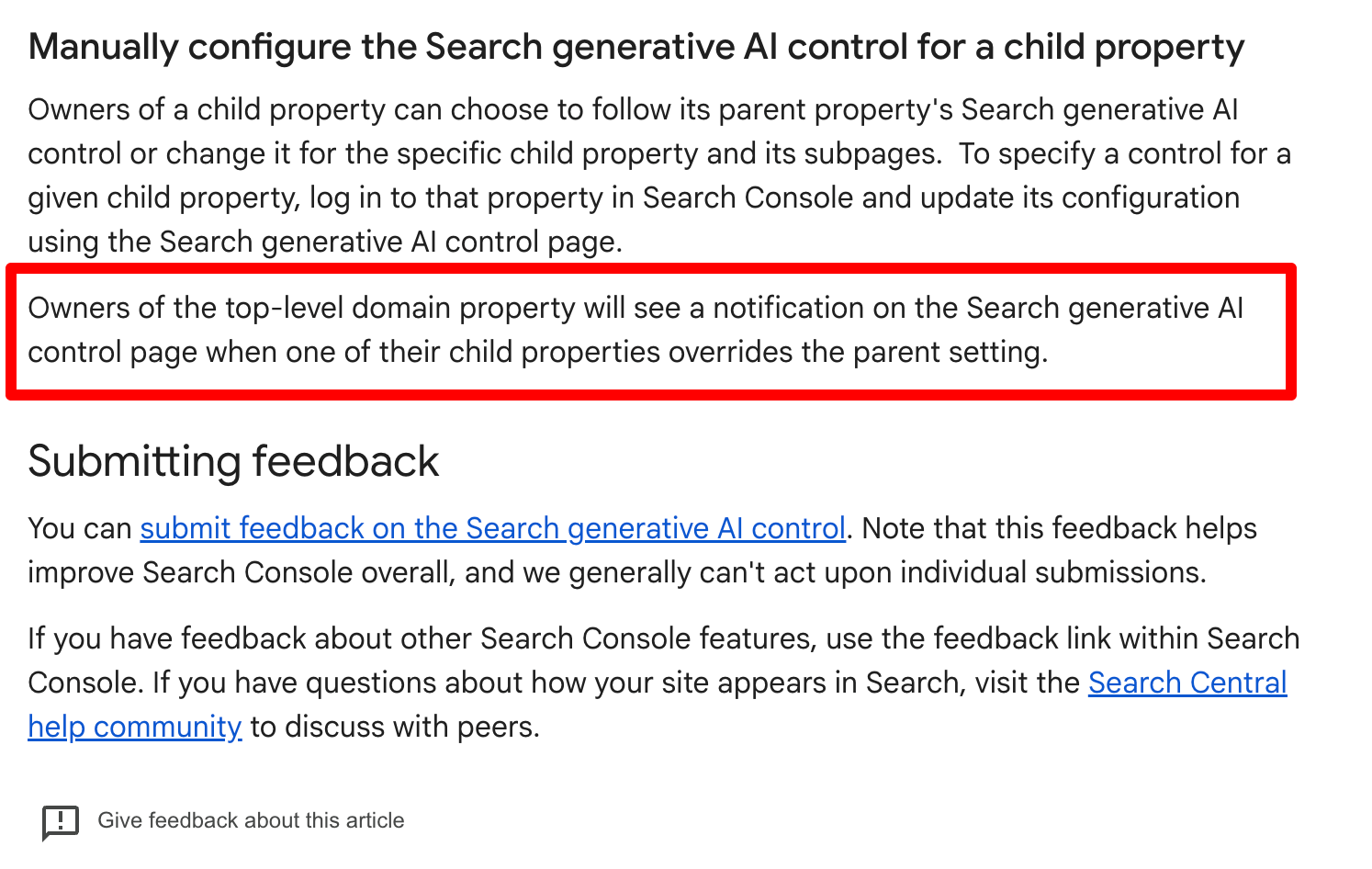
Google has added a banner to the Search Console’s Search Generative AI Control page that alerts TLD owners when a sub‑domain or other child property uses a different AI setting. The notification appears only for the parent domain’s owner and helps keep AI‑generated answers consistent across all parts of a site. This change is now live worldwide and is reflected in Google’s help documentation.
Key Highlights
- ✓New TLD‑level notification for AI control overrides
- ✓Clarifies child vs parent property settings
- ✓Enhances transparency for multi‑domain owners
- ✓Improves consistency in AI‑generated search answers
What Happened
Google has refreshed the Search Generative AI Control page in Search Console with a new banner that alerts top‑level domain (TLD) owners when a child property—such as a sub‑domain, a separate Search Console property, or a language‑specific version—uses a different AI setting than the parent. The banner appears directly on the control page, giving owners an immediate visual cue.
Key Details
- Location: The alert shows up on the AI control page inside Search Console.
- Audience: Only the owner of the TLD property receives the notification.
- Trigger: The banner appears when a child property’s AI control setting diverges from the parent’s setting.
- Purpose: It lets site managers see at a glance that a sub‑domain is behaving differently, which can affect how Google’s generative AI presents their content.
- Rollout: The feature is now live worldwide, no longer limited to a handful of test markets.
- Documentation: Google updated its help article (support.google.com/webmasters/answer/16908024) to reflect the new banner.
What It Means For Your Business
1. Uniformity across locations – Imagine a regional retailer that runs separate sub‑domains for each store (e.g., nyc.example.com, la.example.com). The new alert tells you instantly if one location is set to allow AI‑generated answers while the headquarters domain blocks them, preventing mixed messages in AI‑driven search results.
2. Control over AI‑generated snippets – Generative AI can pull content from any part of your domain. If a child property is set to allow while the parent is restricted, customers might encounter outdated pricing or hours in the AI response.
3. Impact on citations and discoverability – Tools like ChatGPT, Gemini, and Perplexity surface answers based on Google’s index. Misaligned settings can cause inaccurate citations or even omit a local listing from AI‑powered answers.
4. Simplified audit – Rather than inspecting each property individually, the banner highlights misconfigurations in a single view, saving time and reducing the risk of accidental data exposure.
5. Alignment with VisibilityAI – VisibilityAI pulls data from Search Console to power local business discovery in AI assistants. When your TLD and child properties share the same AI controls, the data VisibilityAI uses remains reliable and up‑to‑date.
Action Steps for Small Businesses
- Review your AI settings: Sign in to Search Console, open the AI control page, and look for the banner.
- Synchronize child settings: If you prefer consistent behavior, apply the same AI control option to every sub‑domain and language property.
- Record changes: Maintain a simple spreadsheet that notes which sub‑domains have overridden settings and when they were updated.
- Integrate with VisibilityAI: Feed the corrected AI control data into VisibilityAI so your citations appear correctly in AI‑driven searches.
By staying on top of these notifications, you ensure that your business information is presented consistently across every AI‑powered search experience.
Why This Matters For Your Business
Why It Matters For businesses that depend on AI assistants—whether it’s ChatGPT, Google AI, or Gemini—to surface local information, consistency in AI settings across a domain is essential. When a sub‑domain is permitted to generate AI responses while the main domain blocks them, customers may see conflicting hours, pricing, or promotional details. Such discrepancies can erode trust and hurt conversion rates. VisibilityAI aggregates Search Console data to power local business discovery in AI‑driven queries. The new TLD alert guarantees that the data fed into VisibilityAI truly reflects your current AI controls, so your citations and business facts remain accurate across every channel that AI tools consult.
Frequently Asked Questions
What is a child property in Search Console?
A child property is a sub‑domain or a separate Search Console property that falls under a parent top‑level domain. For example, `shop.example.com` is a child of `example.com`.
How do I change the AI control setting for a child property?
In Search Console, select the child property, navigate to the AI control page, and choose the desired option—either allow or block generative AI responses.
Will this change affect my existing citations?
The notification only informs you of a setting override; it does not modify existing citations. Aligning the settings, however, helps prevent future discrepancies in AI‑powered search results.
Is your business showing up in AI search?
Get your free AI visibility audit - see if ChatGPT, Perplexity, and Google AI actually recommend you.